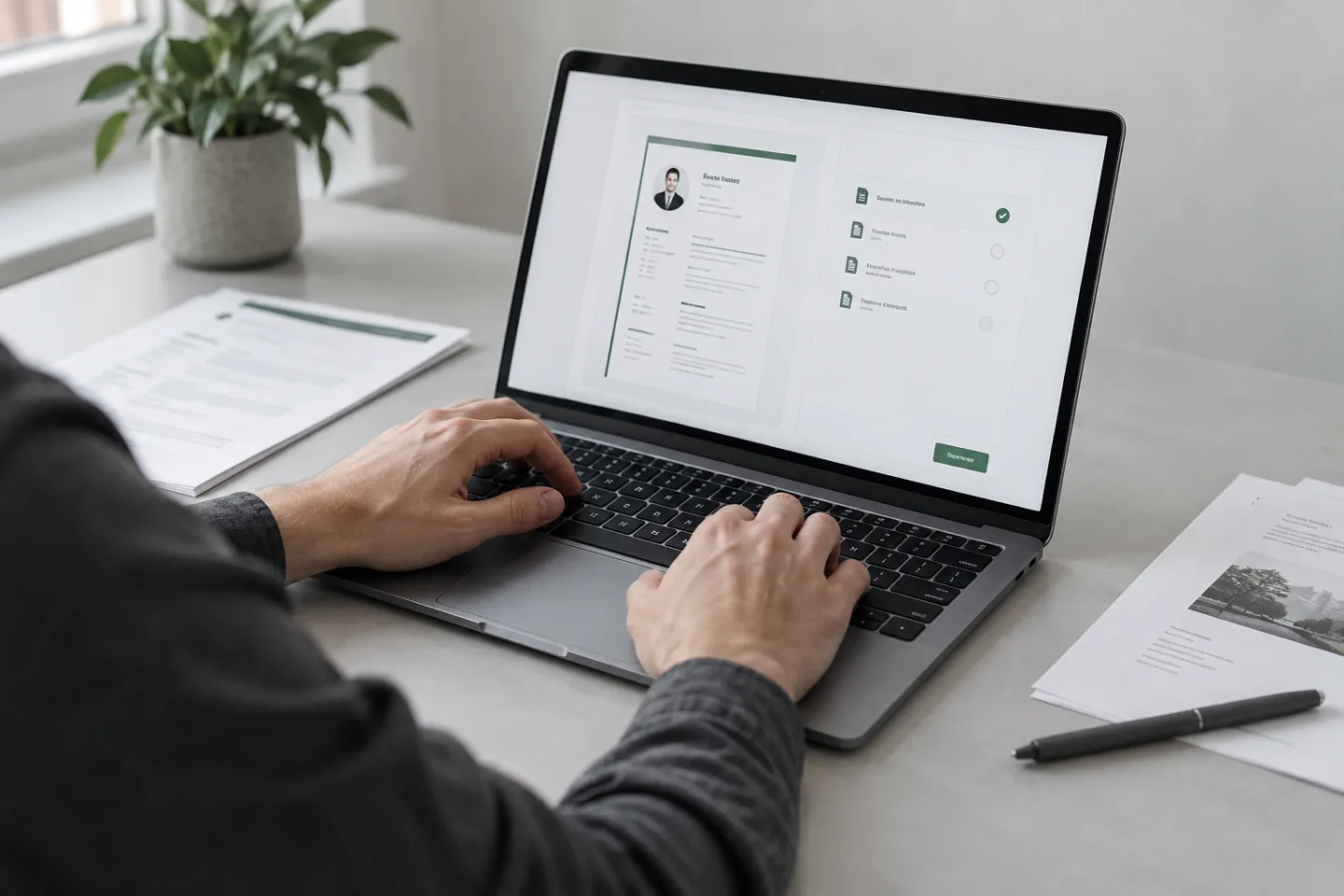
The requirement decides – otherwise check the finished file.
When PDF makes sense
A PDF usually keeps type, spacing, and page breaks stable across different devices. That helps when the finished document should be readable exactly as you checked it. Make sure text is selectable and links work; a pure image of the resume can be impractical.
Use a clear name such as Firstname_Lastname_Resume.pdf. Open the file after export, not only the preview in the editing program.
When a Word file is requested
Some companies or staffing firms require an editable document. Then a file in DOCX format is the right fit. Before you send it, check whether fonts, tables, and breaks stay stable on other devices. Do not use unusual layout tricks that can shift when the file is opened.
If a portal accepts certain file types, stick to that. Do not upload an extra format as well when only one file is required.
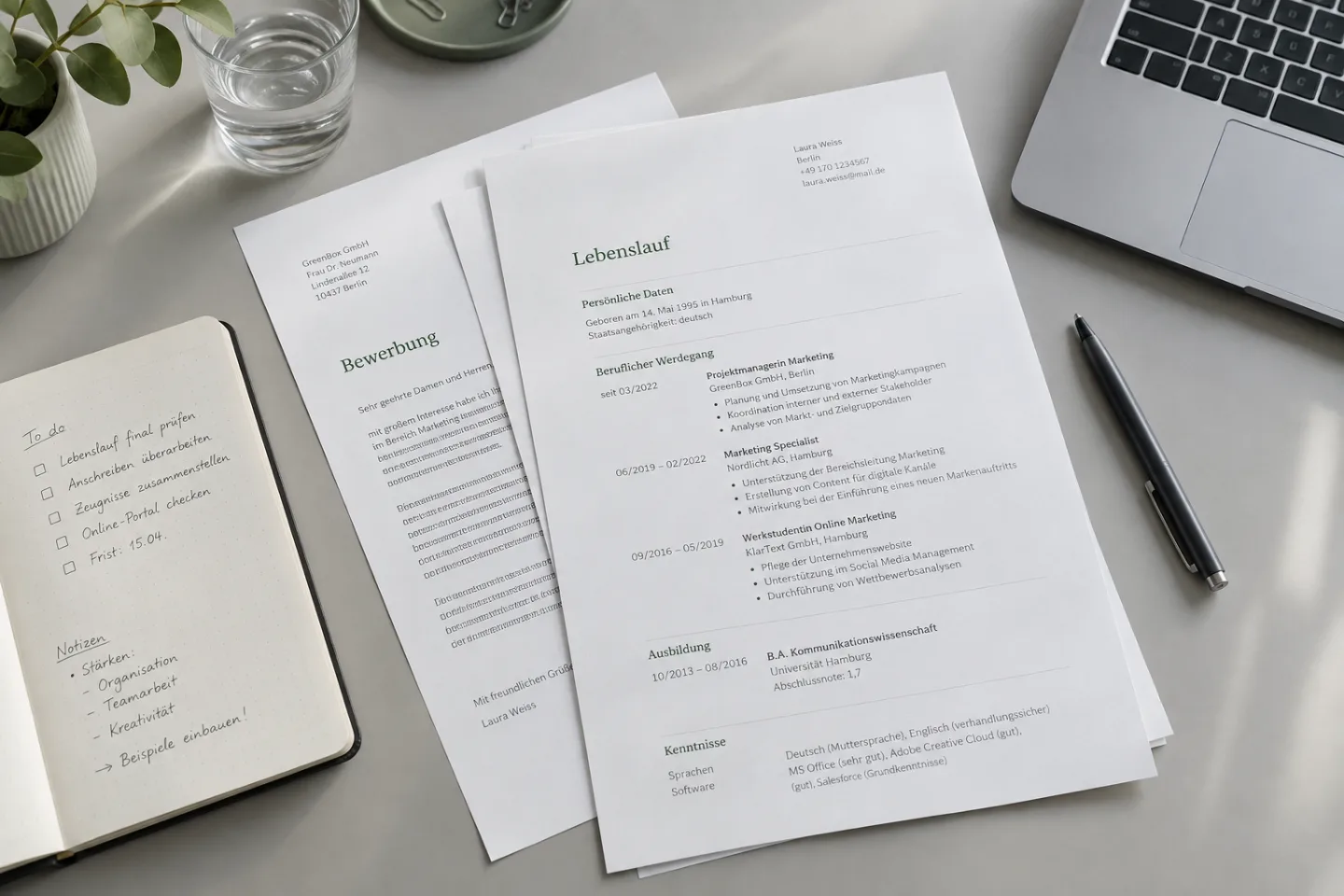
Application portals and automatic processing
Portals can take content from uploaded files. After that, check every transferred field: job title, dates, employer, and contact details. No file format and no template guarantee perfect processing in every system. The entries in the form and the uploaded document have to match in the end.
The two minute test before you upload
- Open the file outside the editor.
- Check first and last page, breaks, and special characters.
- Select and copy text as a test.
- Check links and file names.
- After upload, check the preview or the transferred fields.
KEEP WORKING
Give your experience a clear structure.
Start with your current role. Note the title, dates, and two concrete contributions. Only then choose the matching layout.