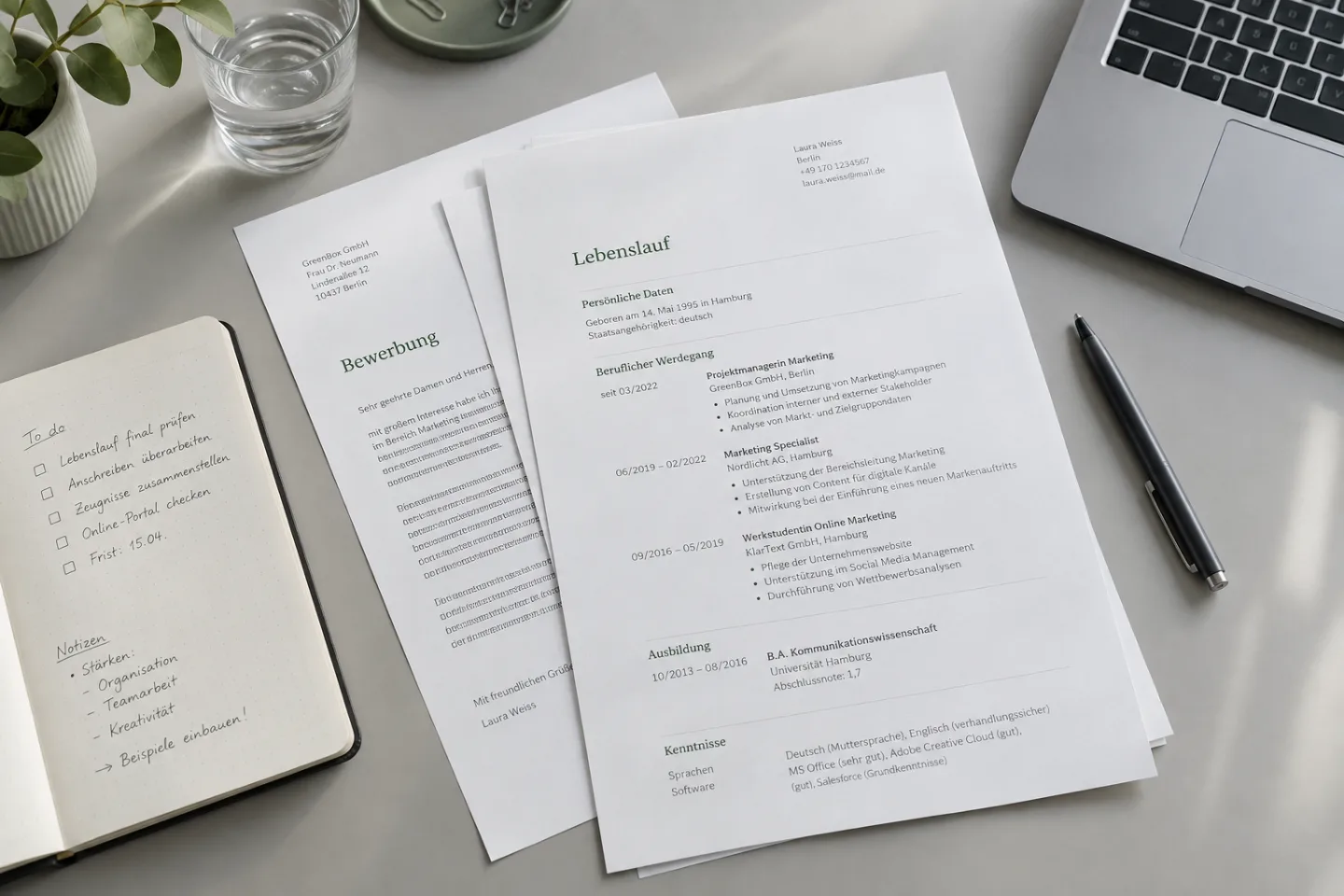
Three questions to find the right template
What needs to be visible first?
With substantial experience: your most recent roles. When you are starting out: relevant projects and education.
How much space do you need?
Pick the template where your longest role still stays open and readable.
Does it work as a PDF?
Check the finished file on a second device – not only the thumbnail.
Choose a template that works with your experience
Start with the information you need to show: your latest role, the earlier work most relevant to this application, and skills you have actually used. If you are early in your career, include internships, projects and education. This gives you real content to test rather than an empty sample page.
Open the full preview. Can you spot your latest role immediately? Will long employer names still fit? Is there room to explain what you did without reducing the font size? A template that looks polished in a thumbnail may be much harder to read once it contains your details.
Compare two or three layouts before choosing colors. The best option is the one that makes your experience easiest to understand. Explore the full examples in the resume template collection.
Choose by content, not by thumbnail.
This is orientation, not a fixed assignment. What matters is how your real details stay readable in the complete preview.
Which structure fits your background?
If your most recent experience fits the role, give it the most space on the resume. A calm chronology makes development and responsibility easy to understand. Older roles can be shorter, as long as the important dates stay visible.
If you are changing direction, a short profile can bridge to the target role. After that, your actual positions have to prove that connection. A template should help explain the change, not rewrite earlier job titles.
If you still have little work experience, projects, internships, and education can carry more weight. Always describe what you yourself did. A large field of general skills does not replace a concrete contribution. The comparison of resume formats shows the differences in structure more closely.

Resume and cover letter belong together
At Bewerbungsstil, every resume comes with a cover letter in a matching style. That creates a unified impression, but the two documents have different jobs: the resume holds roles, skills, and contributions you can prove. The cover letter explains why one of those experiences is relevant to the advertised role.
Do not take three bullet points from the resume and rewrite them as prose in the cover letter. Instead, pick one central requirement from the posting and tell, with a fitting example, how you have already handled that task or how you are approaching it in a way that is easy to understand. That way the two documents complement each other instead of doubling the same space.
When you compare, also open the matching cover letter templates. Check not only the design, but the opening, the argument, and the closing. Does the tone fit the role? Can you fill every claim with experience of your own?
An example: content changes the effect
A template cannot turn a vague statement into convincing evidence. What matters is which information you place where it will be seen. The following example is fictional and shows the same professional background in two formulations with different force.
“Contributed to various projects and communicated with other teams.”
“Coordinated feedback from service and sales for the launch of a new request process and documented open decisions.”
The second sentence shows the work, the people involved, and what you did. It is better only if it is actually true. Maybe you handled the documentation rather than the coordination; then that is what should appear there. The template gives this evidence space and hierarchy. Credibility comes from your details.

Check the complete template for readability
Compare the samples at full size and not only in the overview. Watch for a clear order of sections, enough space between roles, and type that is easy to read. If you have a long employer name, several roles, or extensive projects, test those spots in the layout in your mind. A free area in the sample can fill up quickly in your version.
Also check what happens when you cut. Can older roles be stated more briefly without losing important information? Does your strongest evidence stay visible if a second page becomes necessary? A good template does not force you to drop relevant experience or fall back on very small type.
For application portals, the finished file also counts. Follow the requirements in the job posting and, after export, check page breaks, special characters, and the order of selectable text. You can find more on this in the guide PDF or Word for the resume.
From the sample to your own application
All people, companies, and roles in our templates are fictional. Do not copy them. Use the examples to understand decisions: what sits at the top, which contribution gets space, and how a requirement is justified in the cover letter? Then replace every detail with your actual background.
- Choose the content: Mark the tasks in the job posting for which you have honest evidence. That evidence belongs on the resume.
- Fill the template: Put real roles and contributions in first. Delete empty fields and check whether the structure still works with your content.
- Align the cover letter: Deepen one fitting piece of evidence instead of retelling the whole resume. Name the connection to the specific role.
- Check the finished documents: Check names, dates, file format, and the documents you actually exported before you send them.
The samples on this website are independent examples; they do not claim to show which layouts are available in CVura. If you want to keep working on your own application, you will find current information about the app directly at CVura.
KEEP WORKING
Turn the next step into a working draft.
Put your documents together and note what is still missing for the next application. You will find information on support from the app at CVura.