
You can create a resume on your phone from start to finish. Begin with a plain record of roles, dates, education and evidence. Build a clear structure, tailor the profile and experience to the vacancy, then export a PDF. Open that exact PDF, review every page, test links and confirm the file name. A phone is excellent for collecting facts, drafting and making focused updates. A second screen or print check is helpful when the layout is complex or the application is especially important.
When creating a resume on your phone works well
A phone is not automatically a second rate place to write a resume. It is convenient for checking dates, capturing an achievement while it is fresh, revising a bullet point on a commute and preparing a tailored version away from a desk. The risk comes from trying to research, write, design and proofread in one crowded view. A reliable mobile workflow gives each task its own stage.
Mobile work is easiest when the vacancy is saved, your records are accessible and you know where the finished file will live. It becomes harder when you are switching among screenshots, messages and several almost identical documents. Before writing, create one working location and decide what the session must achieve. Thirty focused minutes with a defined task is more useful than repeatedly polishing the first paragraph.
A sound mobile starting point
- The complete vacancy is saved and readable.
- Your previous resume, certificates and dates are available.
- You have a quiet period without urgent messages.
- Your device is secure, charged and connected.
- You know where the exported PDF will be stored.
A phone is usually enough for a correction or a tailored copy. A new resume requires more preparation, but not necessarily a computer. Plan an extra review when you use columns, tables or a portal with strict upload rules.
Create a resume on your phone by gathering facts first
Do not begin with a template. Open a plain note and list contact details, employment, education, training, skills and relevant projects. For every role, record the employer, location, title and the month and year it began and ended. Verify dates against contracts, references or a dependable calendar. A polished sentence cannot repair an inaccurate timeline.
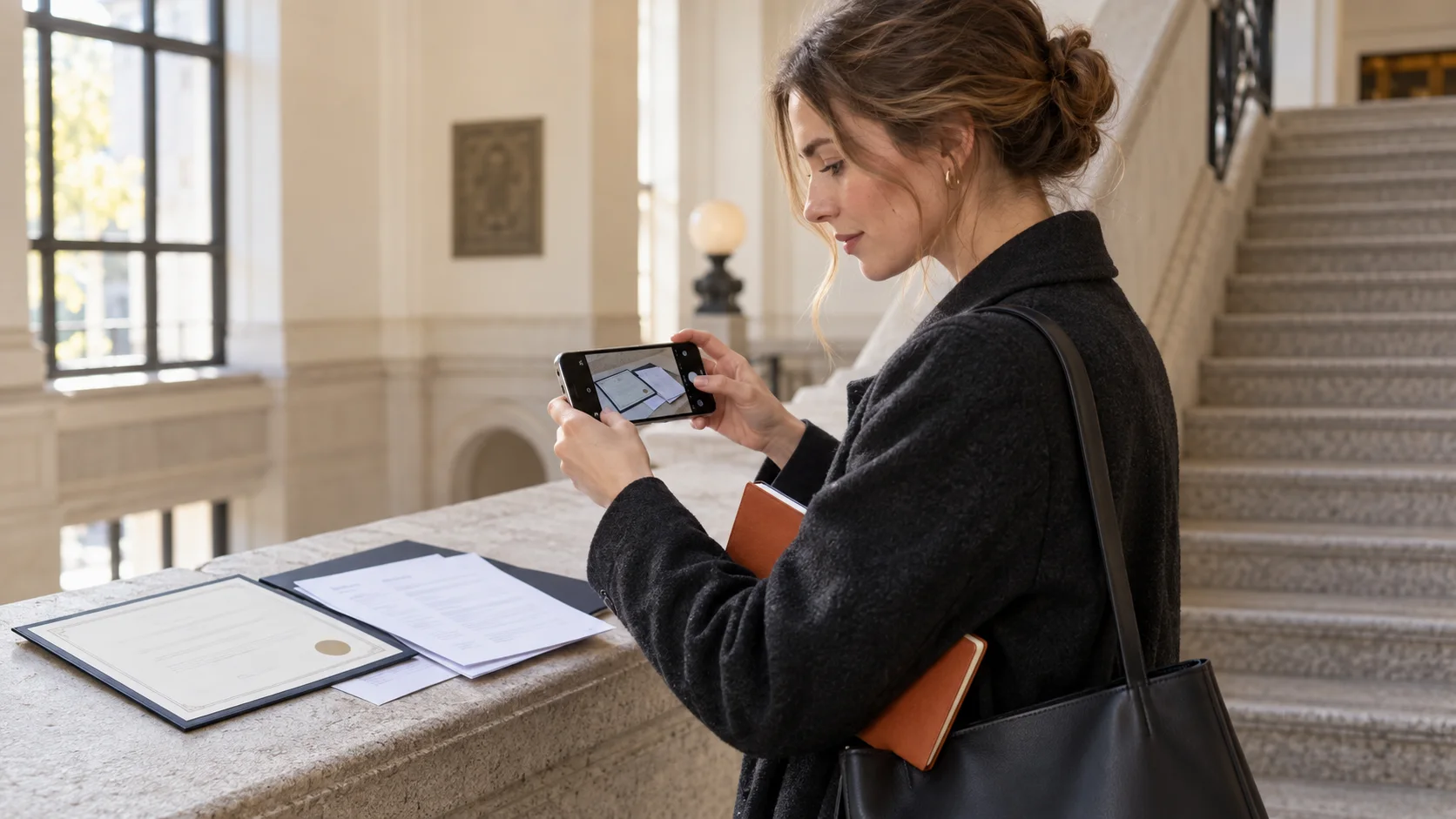
Photograph paper records only as working evidence. Make sure dates and titles are visible, and avoid leaving sensitive images in a shared photo library. If your phone extracts text from a photograph, verify every proper name and number. Character recognition can turn a correct date into a confident looking error.
Now compare the vacancy with your fact list. Select no more than five requirements that appear central to the decision. Match each one with honest evidence from your work, study or projects. The United Kingdom National Careers Service advises applicants to match a CV to the job and company. That principle matters more than the device used to write it.
Check the requested documents before you draft. Our guide to application documents separates the purpose of a resume, cover letter and supporting evidence. It helps prevent a common mobile mistake: uploading a working image or the wrong attachment simply because it is closest in the recent files list.
Build a structure that remains clear on a full page
Set the order before you style the page. A practical structure for many roles is contact information, a brief profile, employment, education and relevant skills. Put recent experience first. Add projects, voluntary work or publications only when they help the employer understand your fit for this particular role.
A small screen makes every paragraph feel longer. Use that pressure to remove vague wording, but do not shrink the final type to force extra material onto one page. Keep the profile focused and let each bullet communicate one useful idea. Clarity matters more than an arbitrary page count.
Responsible for a range of marketing tasks and supported the team with many projects.
Coordinated the editorial calendar for three product areas and prepared monthly campaign findings for sales and marketing.
The second version states an action, scope and audience without inventing a result. Apply the same test to each important role: what did you do, in what setting, for whom and with what defensible outcome? Our guide to creating a resume explains how the sections work together.
Tailor the mobile version to the vacancy
Keep one complete source version and create a separate copy for the vacancy. Do not delete useful experience from your only document. Give the copy a meaningful name, then change the profile, order and selected bullets. Version control is simple when every file has a clear purpose.
Read the vacancy by decisions rather than isolated keywords. Which responsibility occupies the most space? Which collaboration is repeated? What is essential and what is merely preferred? Move your strongest relevant evidence upwards. Reuse a term from the advert only when it accurately describes your experience and sounds natural in your sentence.
Answered customer requests and coordinated with internal teams.
Prioritised requests from existing customers, coordinated solutions with the product team and documented clear follow up actions.
The tailored version does not create a different career. It helps the reader notice the relevant part sooner. Check that the profile, experience and skills all point towards the same target. The method in our guide to tailoring a resume to a vacancy can be used on a phone without copying whole phrases from the advert.

Use CVura as a workspace for the mobile version
A tool is valuable when it reduces unnecessary movement among notes, files and drafts. Keep your source information together, build a version for the role and retain the vacancy as a separate reference. The aim is not maximum automation. It is a document whose claims and history you can understand when an interview invitation arrives.
If you want to continue your mobile resume in CVura, check the official site for current availability and features. Review every suggestion in your own voice, replace broad claims with real evidence and verify all dates. An app can remove repetitive steps, but it cannot decide which achievement is true or relevant.
Avoid several competing final versions. Decide which file remains editable and which PDF was actually sent. Use a file name that identifies you, the document and the target role, such as “Alex Morgan Resume Project Coordinator.pdf”. Labels such as new, final and final version two become confusing as soon as another application begins.
Store personal records only in services whose access you understand. Protect the phone with a secure lock and keep the system and application current. Do not share an editable public link when a controlled PDF attachment is sufficient.
Judge resume design on a small screen
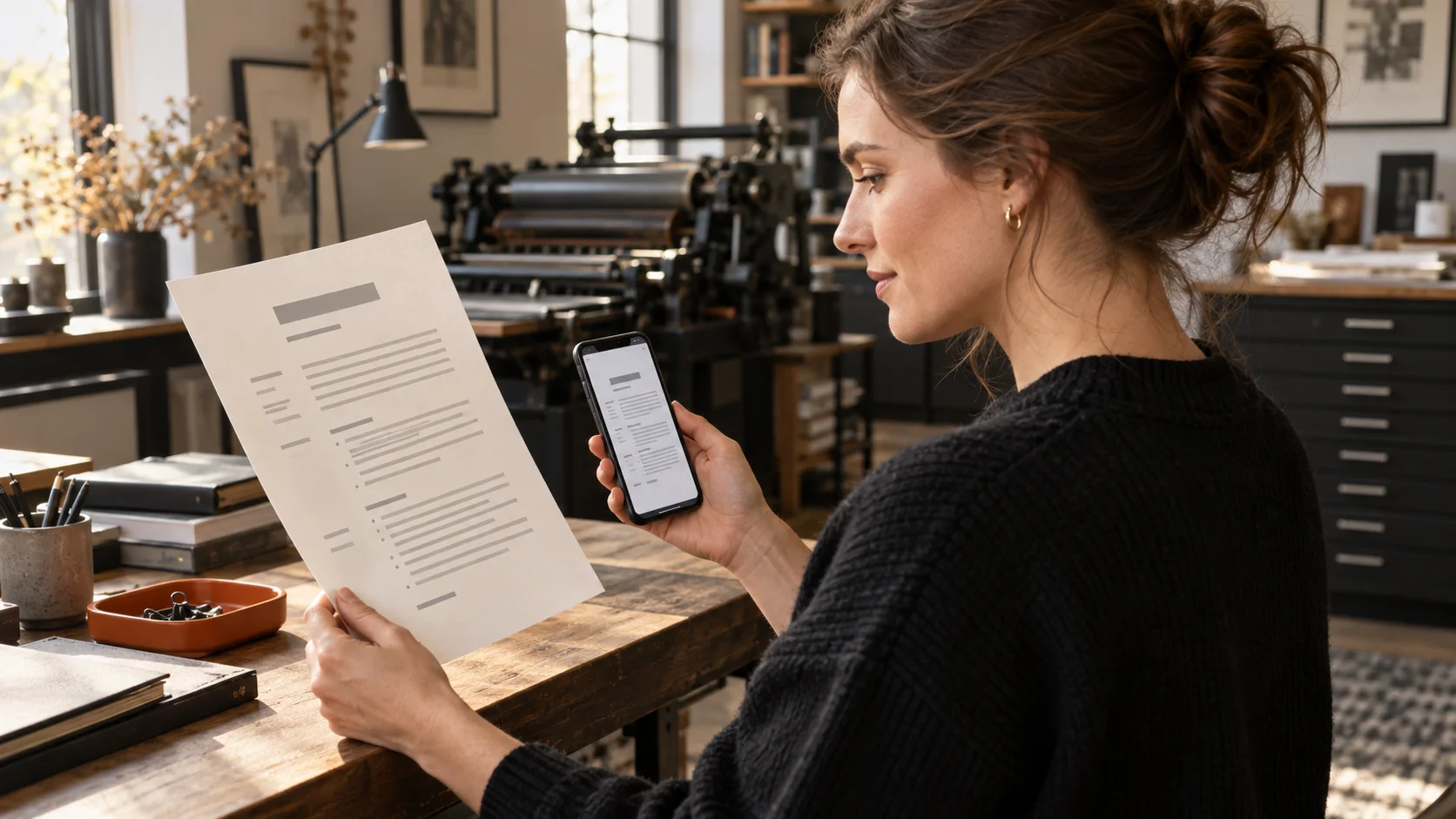
The editor view does not always show the relationship of a complete page. Open preview frequently and inspect margins, line breaks, spacing and page endings. Your name can be prominent without consuming half the opening page. Headings should guide the reader without making every role look secondary.
Use a small set of type sizes and a readable font. Colour may support navigation, but important information must remain understandable without it. Test contrast in ordinary light. A date, employer or contact detail should never disappear because a pale tone looked elegant on one screen.
Narrow columns and tables are difficult to assess on a phone. They can cause awkward wrapping or unexpected changes during export. A clear single column is often more robust. If you choose two columns, view every entire page and then enlarge the crowded areas. Our comparison of resume PDF and Word formats explains why the exported file, not the editor, is the real application document.
A photograph is not universally expected. If local convention and your choice support one, use a current professional image and inspect the crop after export. The picture should not displace evidence that helps an employer assess your suitability.

Check the PDF before you send it
Export the resume and close the editor. Open the exact PDF from its destination folder. Review every page for clipped text, broken bullets, blank pages and accidental changes in spacing. Zoom out to assess balance, then zoom in to catch spelling errors and unclear elements.
Open every intended link and check the phone number and email address. Search the PDF for your surname to see whether the text can be selected. That is not a guarantee of how every system will process the file, but it can reveal a page accidentally exported as one flat image. Send a test message to yourself and open the attachment from that message.
Mobile final check
- Your name, phone number and email address are correct.
- Dates agree with your supporting records.
- The strongest relevant experience appears early.
- No line extends beyond the page margin.
- Links, file name and format are appropriate.
- You opened the exact PDF that will be submitted.
When possible, use a second screen or a printout for one final look. The phone is not inadequate; a different scale simply reveals different problems. Ask a trusted person to review only clarity, dates and obvious inconsistencies, rather than rewriting the document in their voice.
Send the right file and preserve the record
Upload only after checking the company, role and language. Many portals show a list of uploaded files. Open the preview when available. A successful upload confirms that a file arrived, not that it was the correct one.
Keep the accompanying message brief. State the role and any reference number. Review the recipient, subject and attachments before sending. Dates and role names entered in an online form should match the resume. Differences often appear when the form and document were updated at different times.
After submission, store the vacancy, sent PDF, date and contact together. This record tells you exactly what the employer has seen when you prepare for an interview. Our guide to organising job applications shows a simple system for versions and next steps.
A resume created on a phone is not automatically simpler or weaker than one created on a computer. It is judged by the same standards: accurate facts, relevant choices, clear language, readable design and a verified final file. Separate those decisions and the smartphone becomes a dependable tool rather than a source of rushed mistakes.
Frequently asked questions
Can I create a complete resume only on my phone?
Yes. Gather the facts first, use a clear structure and inspect the exported PDF carefully. Add a larger screen check when the layout is complex.
What file should I send from my phone?
Send the checked PDF unless the vacancy requests another format. Open that exact file after export and verify every page, link and the file name.
Is a resume app better than a word processor?
It depends on the workflow. A dedicated app can simplify structure and versions, but accurate content, relevant evidence and your own final review still matter most.
How do I avoid sending the wrong version?
Keep one source resume, make a clearly named copy for each role and record which PDF you submitted. Avoid several files with nearly identical names.
Do I need to print the resume?
No. Printing is optional, but it can reveal crowded sections, weak spacing and page balance that are less obvious on a small screen.