
The next step belongs in the overview.
Fictional examples. What matters is less a perfect status system than one clear next action.
One clear record per role
Keep company, role, reference number, application link, contact, and date. Save the content of the posting, not only its link: listings can be changed or removed. Add the requirements you aligned your documents to.
A good entry does not have to be complex: “Nordlicht Studio · Marketing Manager · MM26 · posting saved on September 12 · applied through the career portal” is enough as a start.
Match documents to the application
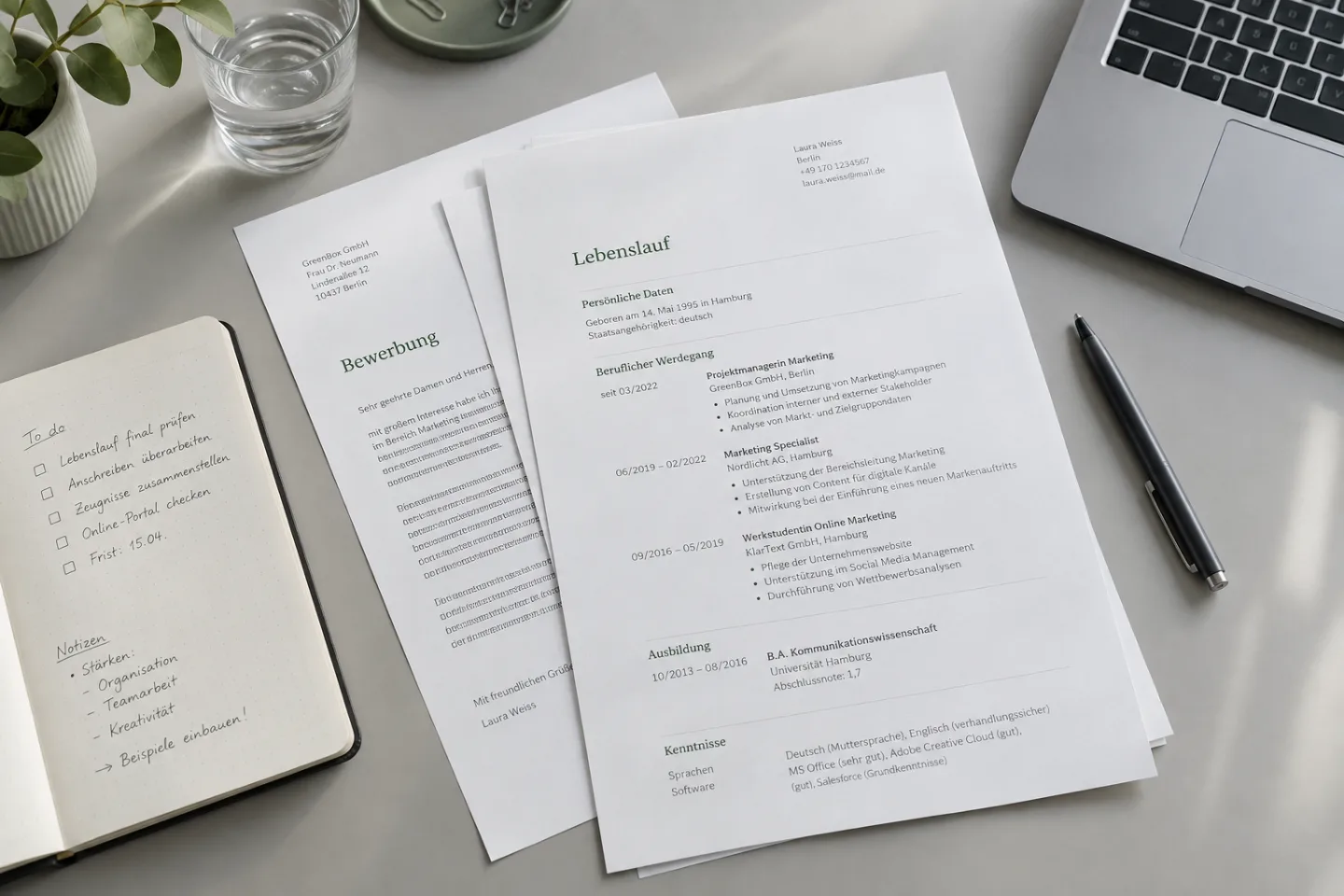
Keep exactly the files in PDF format and the free text answers that you actually sent. A resume file edited later with a similar name is not a reliable substitute. Assign certificates, cover letter, and notes to the same role.
That way you can check before an interview which projects you emphasized and what later questions may refer to.
Status matters less than the next step
“Applied” only says what happened. More useful is a concrete note: “Reply announced by Friday; check status after that” or “Interview on Tuesday, prepare three project examples.” Record offers and deadlines without imposing artificial reminders for every role.
Clean up the overview regularly
Once a week, check open applications, new replies, and upcoming appointments. Close finished processes cleanly and keep relevant documents. If you want to use an app, check at CVura which features and availability are currently offered; this guide page itself does not store application data.
KEEP WORKING
Turn the next step into a working draft.
Put your documents together and note what is still missing for the next application. You will find information on support from the app at CVura.