
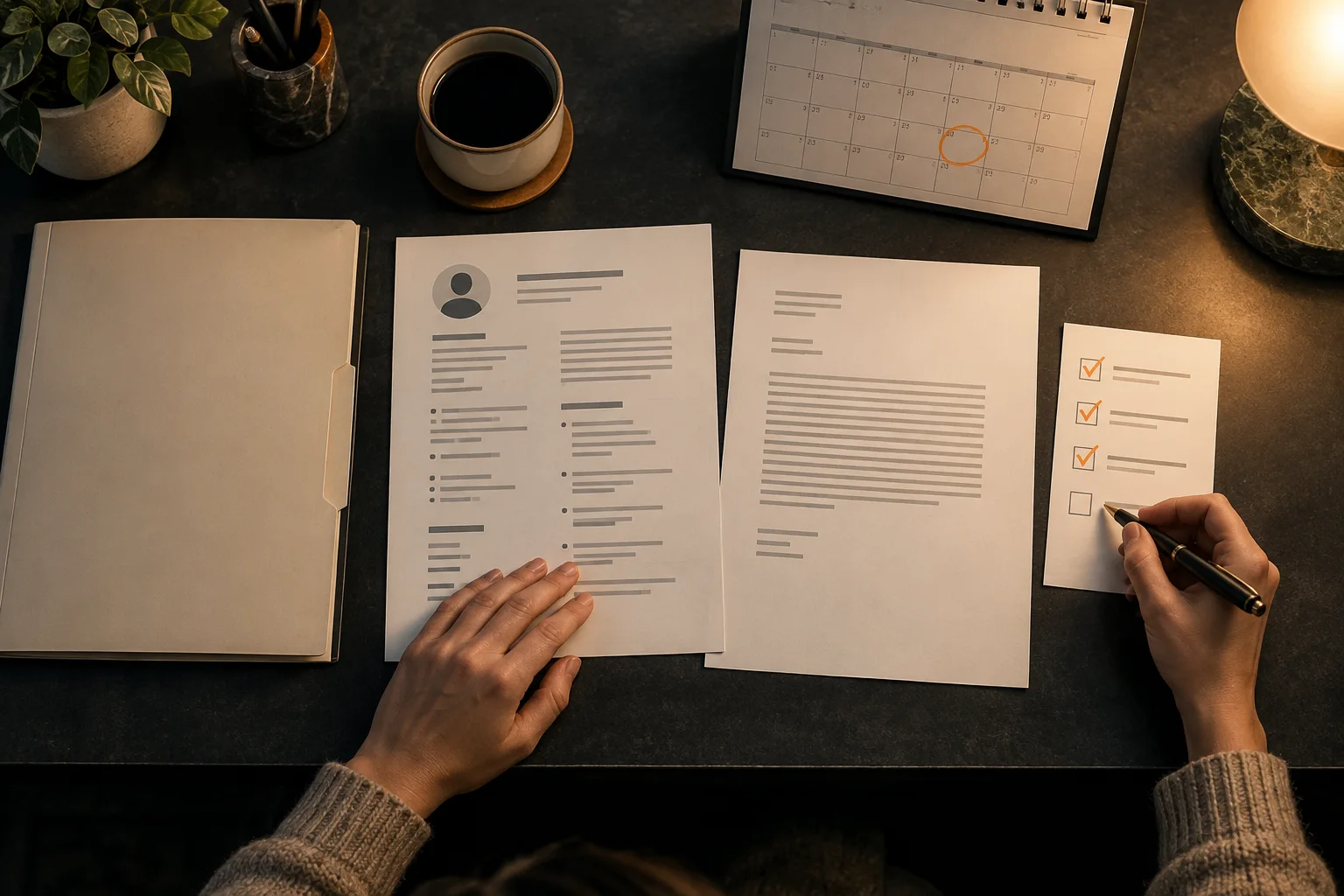
To organize job applications, give each role a separate record with the employer, job title, source, deadline, submission date, contact, status and next action. Store the vacancy and exact documents sent together. Distinguish a draft, an application submitted and an interview confirmed. Review the record at a regular interval and before each conversation. You can use folders and a simple table; the aim is traceability, not a complicated dashboard or a promise of hiring success.
Organize job applications around decisions, not constant checking
Several applications become confusing when information is scattered across email, downloads, notes and edited resumes. The problem is not only forgetting a company name. You may prepare for an interview using a newer document than the one submitted, mistake an invitation for a confirmed appointment or follow up before the employer’s stated timetable has passed.
A useful system connects facts to actions. For each role, it should answer three questions: what has happened, what was sent and what comes next? A colourful progress board that cannot answer these questions is less useful than a small table and clearly named folders. Choose a method you can maintain during a busy search rather than designing an ideal system you will rarely open.
Do not treat frequent mailbox checking as organization. It produces no record of the vacancy, file version or agreed next step. Your application organization guide can help establish the general structure; here the focus is keeping several live applications distinct as the process develops.
Give each role one small, complete record
Start with employer and exact role. Add a reference number where provided, the advert’s source, closing date, submission date and listed contact. Preserve the vacancy text or a permitted copy, because the page may later disappear. Use one entry per role even if you apply twice to the same organization. Otherwise, a reply about one vacancy can silently update the wrong process.
Add a small set of status labels you understand. Draft, submitted, interview requested, interview confirmed and closed can be enough. You may need additional stages for a test or a requested document, but avoid a separate label for every feeling about the application. Interested or promising is not the same kind of information as submitted.
Every open entry also needs a next action. Write a verb and a date or trigger: review the employer’s reply, confirm availability, send a requested certificate or prepare for the interview. If the employer has promised an update, record that date separately. Your reminder is an internal planning choice, not proof that the employer must respond by then.
The Europass application manager guide describes organizing application tasks and progress. You do not need that particular tool to adopt the underlying discipline of making the next step visible.

Example one: turn a vague note into an actionable entry
In this fictional example, Jamie has sent an application for an operations assistant role. The employer said a shortlist update would follow after its review meeting. Jamie’s current note contains several impressions but does not identify the file or the actual timetable. That makes it difficult to choose a sensible next action.
Operations job, seems good. Sent something last week. Maybe chase soon. Need to check which resume and who replied.
Operations assistant · employer and reference recorded · submitted 22 September · sent resume saved in role folder · contact recorded · employer’s update timetable copied from its reply · next action: review after that timetable, then decide whether a concise enquiry is needed.
The second entry does not guess the chance of success. It records the relevant facts and a trigger for review. Jamie can open the sent documents quickly and distinguish the employer’s promise from a personal reminder. If a new message arrives sooner, the record changes to reflect what actually happened.
Keep the vacancy, sent files and current draft apart
For each role, save the vacancy, submitted resume, submitted letter where applicable and confirmation. Keep a working draft separately. A sent file is a record of communication; editing it afterwards destroys the simple answer to what the employer received. A copy is often enough to let you continue improving the document without changing that record.
Use names that identify company, role and version or sending date. Avoid several filenames that all claim to be final. If the employer requests a replacement, retain both the earlier and later files and note which message delivered the revision. Do not silently assume the recipient will disregard the first one.
Our resume guide covers the document’s structure. Organization adds a different layer: linking a particular version to a particular submission. Neither a polished resume nor an organized folder proves that every claim is accurate; review the contents too.

Example two: prepare for the correct interview
Riley applies for a customer support role and a scheduling role at the same company. The resumes emphasize different real tasks. An interview invitation names the scheduling vacancy. If Riley opens the newest file without checking the role, preparation may focus on the wrong examples.
Company folder contains resume final, resume final updated and an interview link. No record shows which file belonged to which role.
Separate support and scheduling entries, each with its advert and sent file. The scheduling invitation is linked to the scheduling entry, with confirmed time, contact and joining details recorded.
Riley now reviews the actual scheduling examples before practising. The other application stays separate rather than being marked as interviewed automatically. This is especially important where several recruiters or teams use similar subject lines. Confirm the position in the invitation if its wording remains unclear.
The National Careers Service interview guide recommends revisiting the application and job description during preparation. That is easier when the relevant versions are stored together.

Plan deadlines and follow up without inventing a timetable
Record the closing date and any later instructions exactly. Some processes have a test deadline or requested availability window in addition to the application deadline. Distinguish a deadline to submit from an interview time or an expected decision. Put appointment details in the calendar, but keep their context in the role record too.
Base follow up on the employer’s stated process where one exists. Silence does not automatically mean rejection, and your own preferred response date is not a commitment from the employer. When deciding to enquire, use the named contact and identify the vacancy. Do not schedule a series of automatic messages that ignores a reply or a changed timeline.
Choose a short regular review, perhaps twice a week if that suits your search, and check before any interview. This is a suggested routine, not an evidence based universal frequency. During a tight deadline, review more often. When nothing is due, the system should let you return attention to preparing strong applications instead of refreshing statuses.
Use a document tool where it actually helps
CVura is our app. If creating and revising the resume on your phone fits your workflow, you can work on the document with CVura. Keep the submitted copy connected to the correct role record. Do not assume a document editor tracks every employer reply, knows the current application status or validates your career facts.
A simple table and folders remain a complete alternative. Use the calendar for dates and the record for context. If a tool introduces more places to check, reduce the overlap: choose one place for the authoritative status and one place for the exact sent file. The system should make a decision easier, not require duplicate maintenance.
Limit the private information in shared records. You do not need to store account passwords, confidential assessment content or unnecessary personal details beside every application. Share only what a helper needs to review. This is a practical caution about your workflow, not a claim that any particular storage service provides a legal or security guarantee.
A short review keeps the record trustworthy
At each review, start with actions due rather than reading every old note. Update entries from actual messages, link new documents to the right role and mark a closed process clearly. Preserve useful records instead of deleting them in frustration. They can show what was submitted if a recruiter later returns to the conversation.
Weekly review and checks before an interview
- Every open role has its own entry.
- Status reflects an actual event rather than a hope.
- The vacancy and exact files sent are accessible.
- Interview times are confirmed and correctly recorded.
- Promised updates and personal reminders remain distinct.
- The named contact belongs to this process.
- Each open role has one concrete next action.
- Closed roles are clearly marked without losing their history.
If a record is incomplete, rebuild it from confirmations and sent messages rather than guessing. The aim is not a perfect historical dashboard. It is enough clarity to send the right document, prepare for the right conversation and avoid confusing one process with another.
Frequently asked questions
Do I need a dedicated application app?
No. A clear table, folders and calendar can cover the workflow. Choose tools only where they make a specific task easier and keep one authoritative status record.
Should two roles at one company share an entry?
Use separate entries when they are separate applications. Link their related context if useful, but keep submitted files, contacts and stages distinct.
How often should I review applications?
Choose a short regular routine that fits actual deadlines, and check before interviews. More frequent review can help during a tight deadline; constant refreshing is not a substitute for recording facts.
What if I changed the resume after sending it?
Retain the original submitted version and make changes in another copy. If a replacement is requested, record exactly what you sent and when.
Does no response mean the application is closed?
Not automatically. Record silence as silence, consider the employer’s timetable and decide whether a concise enquiry is appropriate. Keep other suitable applications moving.